Underclock or overclock
Choose 500–850 MHz in 10 MHz steps around the 750 MHz XBT default. Shared fan PWM ranges from 50–100%. Voltage is read-only.
Explore tuning controls →Mine XBT with the original Goldshell KD-Box. Monitor, configure and manage it through a clean console on your own network.
Default performance reference, not a guarantee. Power shown by the console is an estimate; calibrate with a wall meter. Actual results depend on cooling, power supply, silicon and profile.
Track performance without digging through a terminal. The overview brings the readings that matter into one view.
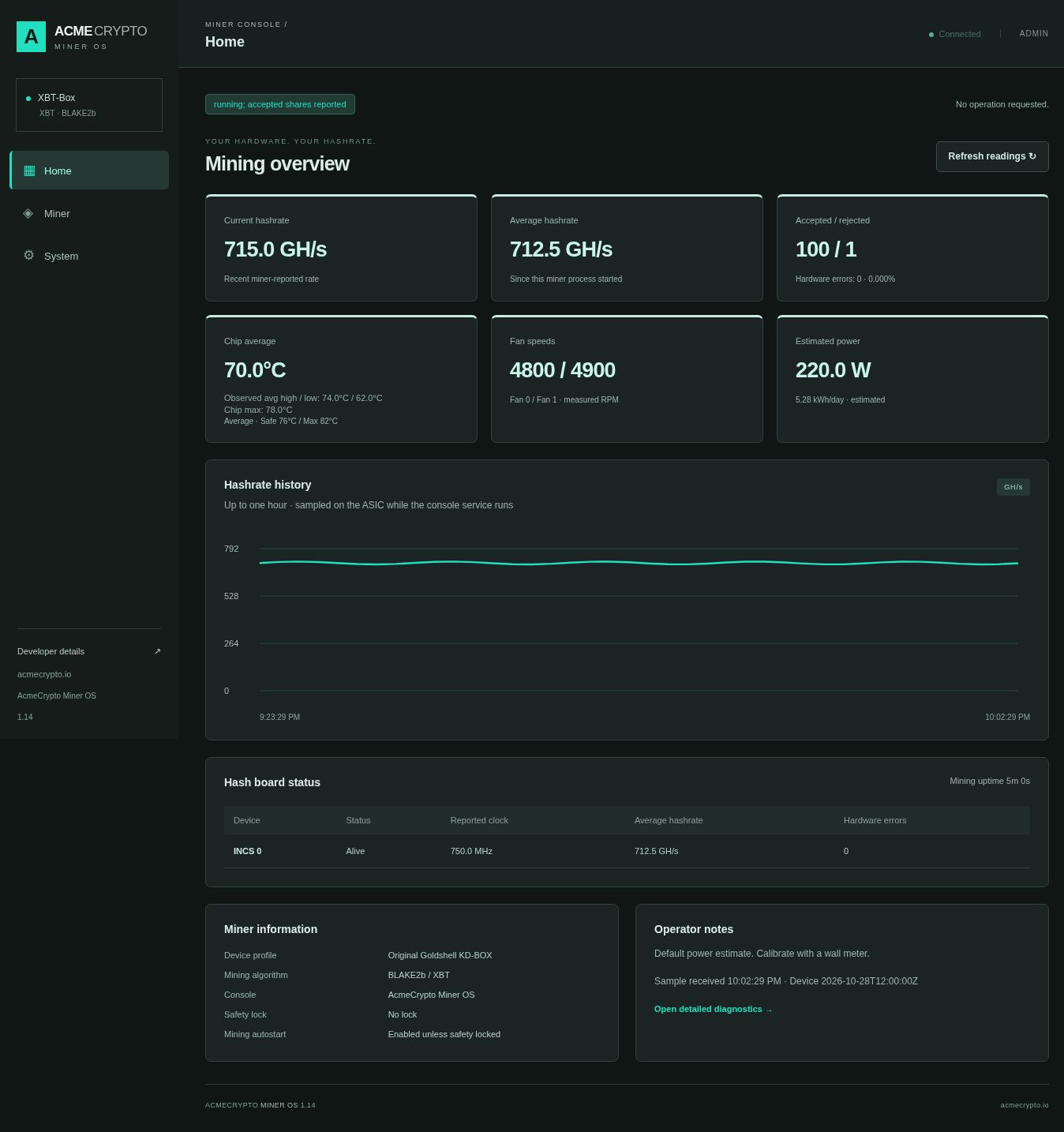
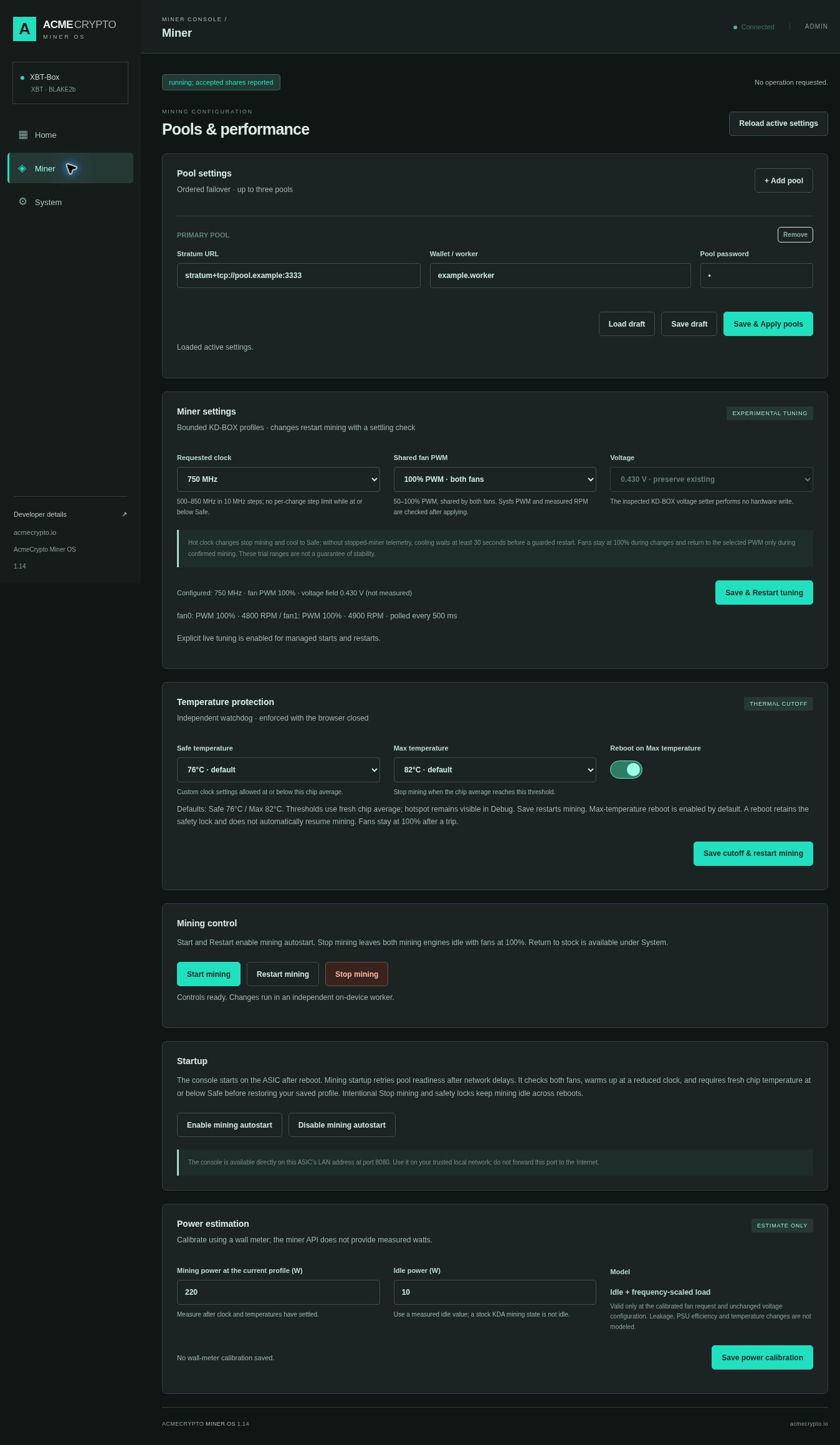
Set the pool order, choose a supported clock and fan profile, and manage mining from the browser.
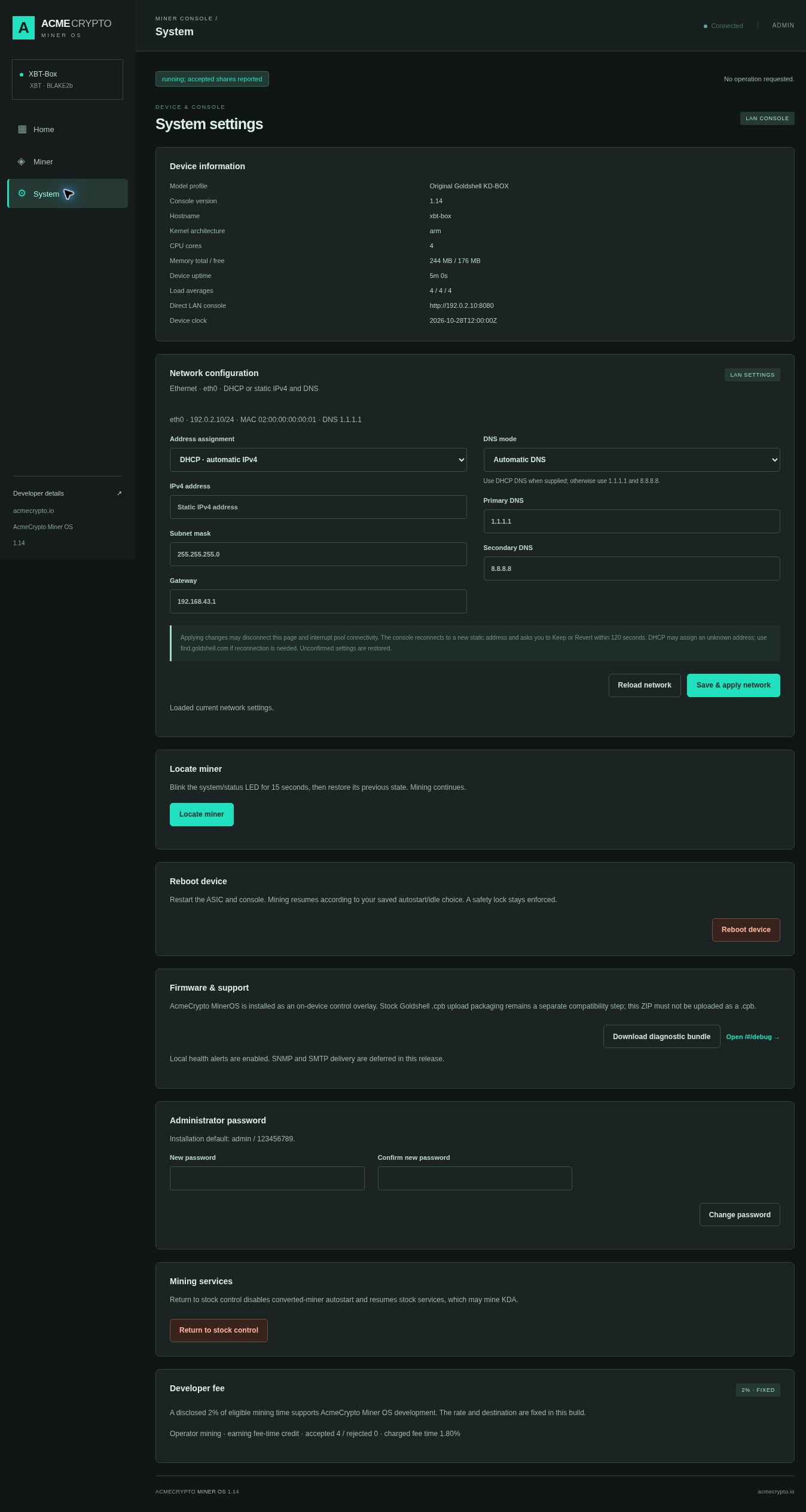
Manage the device on your LAN, with diagnostics ready when something needs attention.
Choose 500–850 MHz in 10 MHz steps around the 750 MHz XBT default. Shared fan PWM ranges from 50–100%. Voltage is read-only.
Explore tuning controls →Fresh temperature and two-fan checks, hot-change cooling, live clock verification and a watchdog with persistent safety locks. Defaults: Safe 76°C / Max 82°C.
Read every safety mechanism →Pool failover, rollback-protected network settings, a 15-second LED locator, diagnostics, persistent idle and clearer startup/reboot progress.
View the complete feature list →XBT-Box installs over the supported stock runtime. It is an on-device software overlay, not a replacement boot image or a Goldshell firmware upload.
Read the full requirements →KD-Box Pro, KD-Box II, KD Lite, KD6 and other models are not supported by this package.
Need SSH? See the Goldshell legacy SSH-enabled firmware prerequisite.
Enter your miner’s IP and SSH password. The installer checks compatibility, deploys the package and verifies the console. Open http://MINER-IP:8080 to finish setup.
the current release is an early release. Installer logic has host-side tests; physical installation and reboot behavior must still be verified on your device. Installation enables mining autostart. Review pool settings before leaving the miner unattended.
A paid XBT-Box edition with zero developer fee is coming soon.